
You type a prompt, hit generate, and expect a cinematic masterpiece. What you get is that generic, plastic-looking AI slop, and a few more credits gone.
The problem usually isn't the model. Most prompts only describe what happens, and say nothing about how it should look. Real filmmakers decide the color, the lighting, the shot size and how the camera moves, and once you add those to your prompts, the difference is massive. You don't need to be a pro cinematographer, just a few basic concepts.
Here are some techniques pro AI filmmakers use when generating their videos. Try these out!
1. Change the palette, change the feeling
Same room, different mood. Warm tones feel cozy and hopeful; cold, desaturated tones feel tense or lonely. Only the color keywords change.


Warm, golden hour
Cold, desaturated
2. Light it like a film
Lighting is what makes a shot feel cinematic. Light from one clear source, like a window or blinds, shapes the face and separates your subject from the background. Say where the light comes from and what stays in shadow.
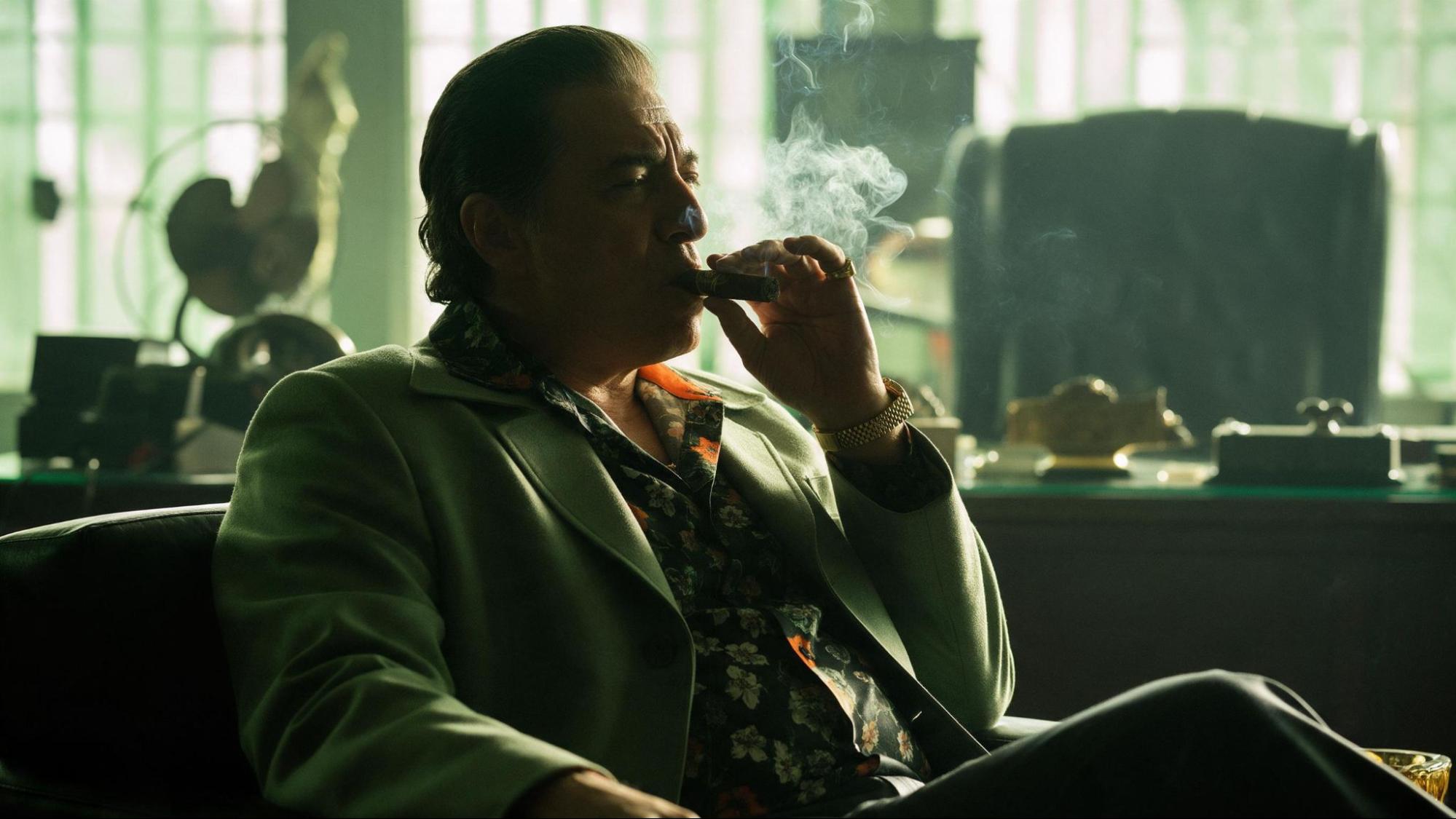
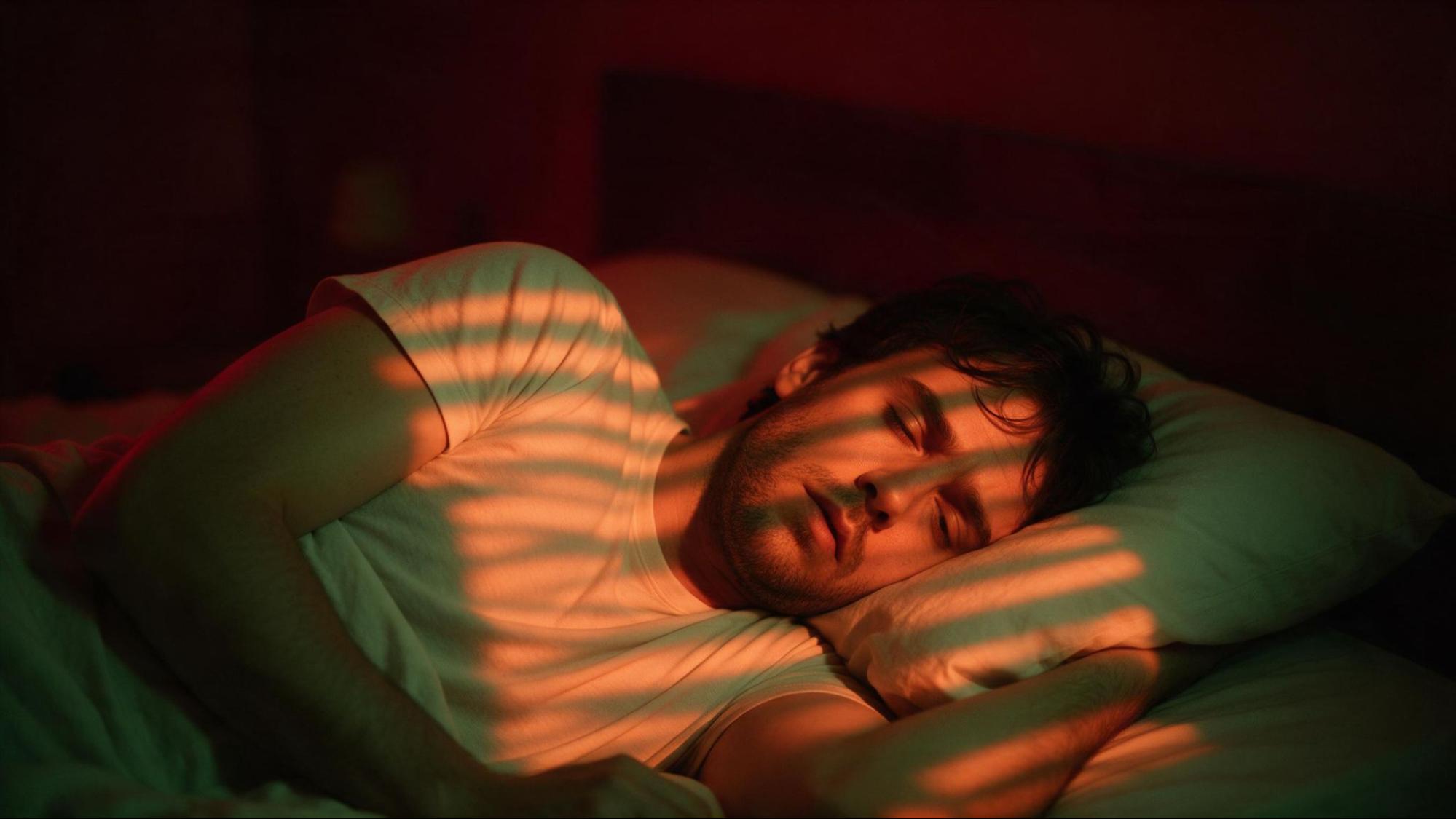
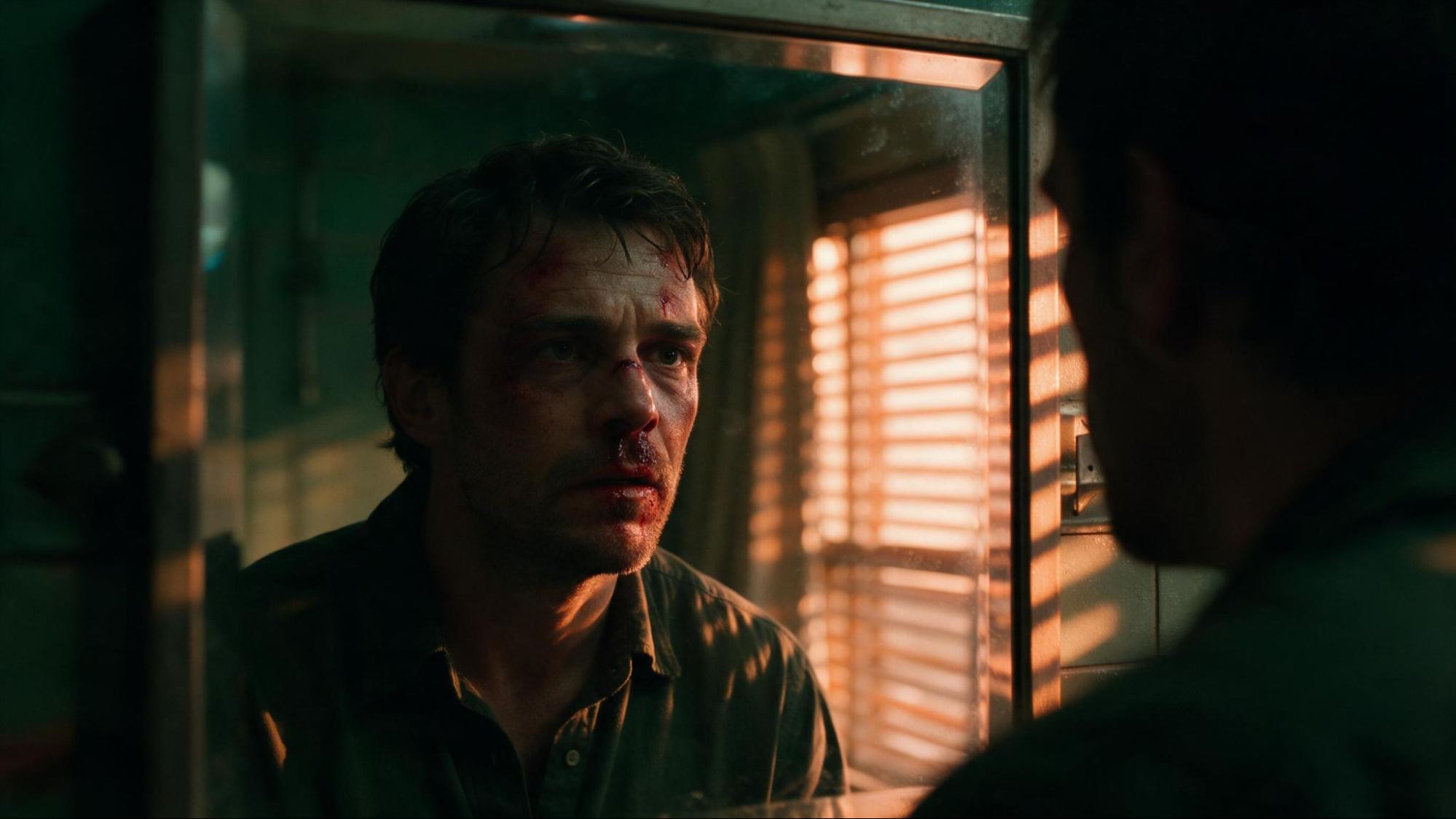
Add this line to any prompt to keep faces from coming out flat and over-lit:
3. Mix your shot sizes
Most scenes are built from three sizes. Combining them is what makes a scene interesting, and an extreme close-up on everything gets old fast. Add one of these lines to your prompt:
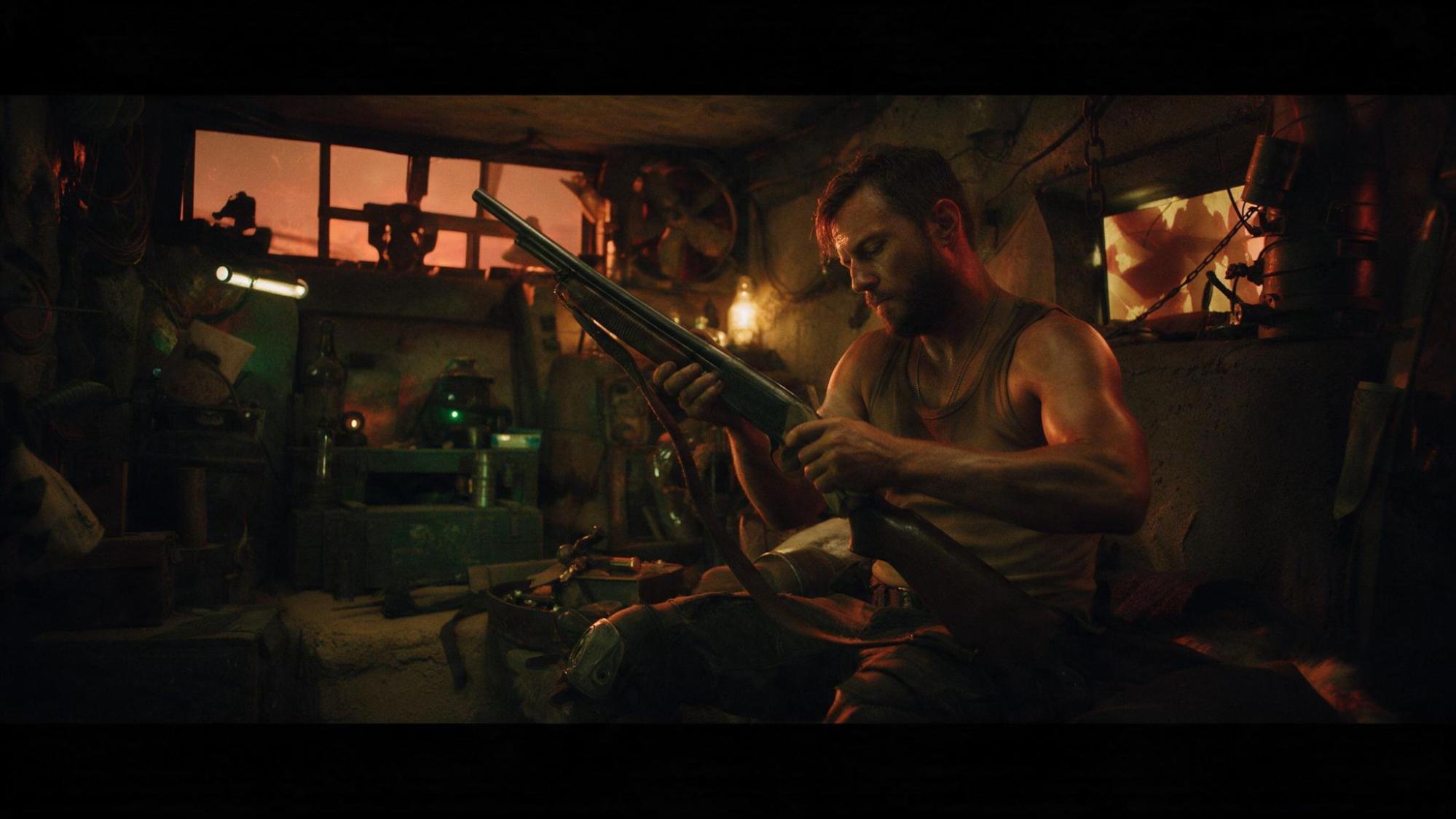
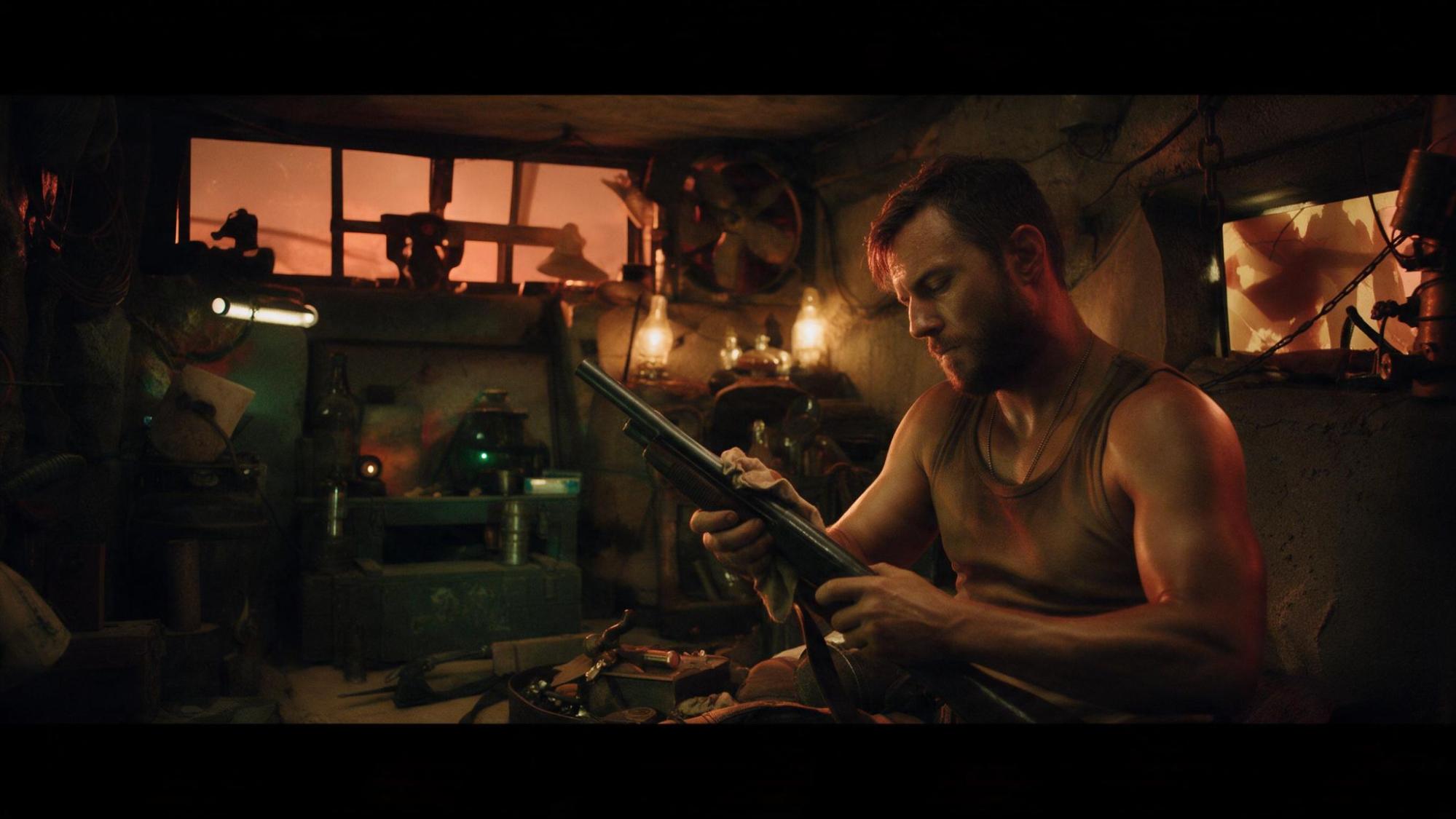
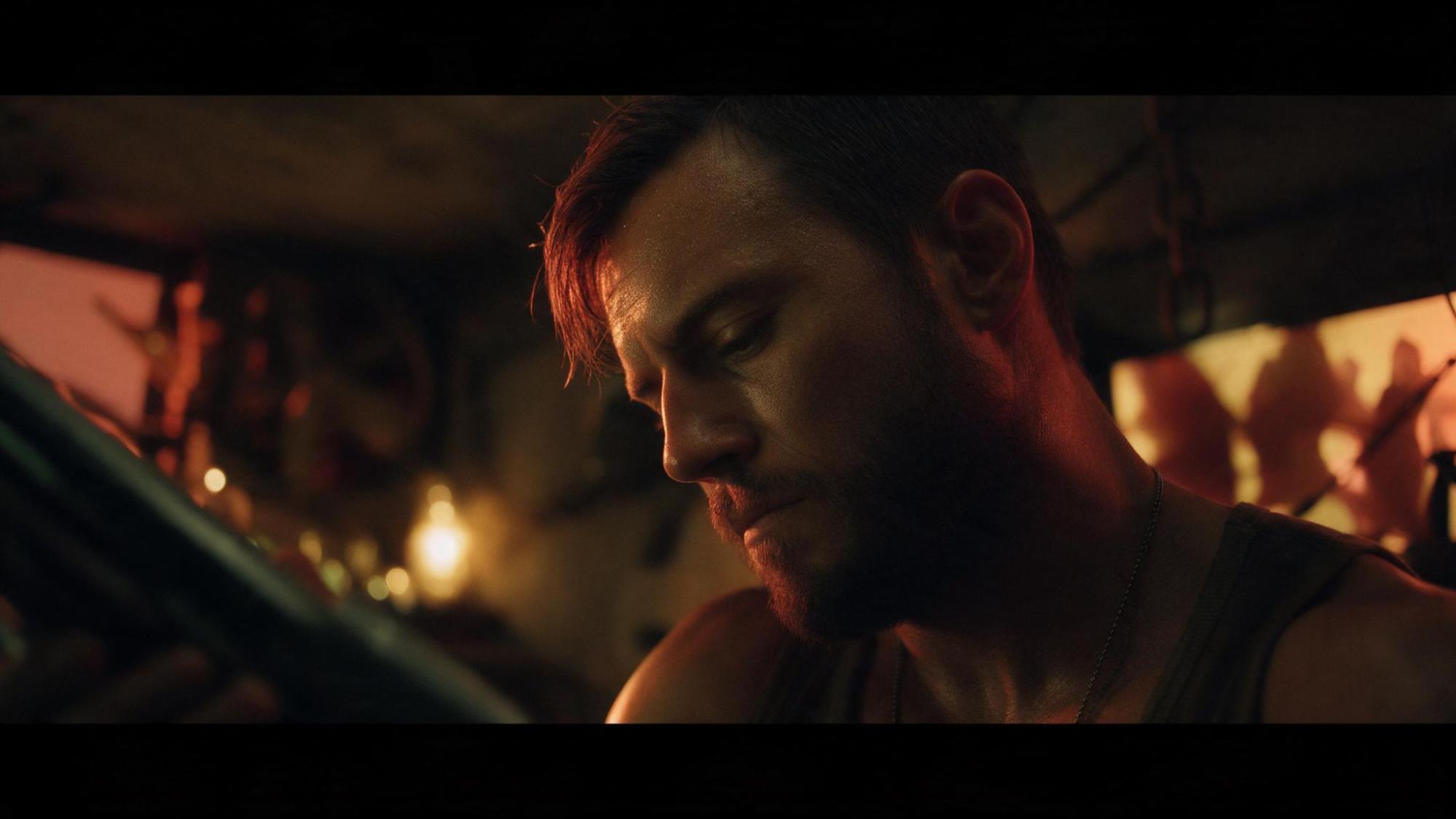
A simple order that always works: wide to set the place, medium for the action, close-up for the reaction.
4. Control the camera
Tell the camera how to move. A dolly in pulls the audience toward something important or slowly builds tension. A dolly out does the opposite and leaves the character small in the frame.


Put it all together
Stack the pieces into one prompt: what happens, the shot size, the camera move, the color and the lighting.
Now it's your turn
That's everything from the video: color, lighting, shot sizes and camera control. None of it needs a film degree, just a few deliberate choices in your prompt.
Pick one idea, try it on your next generation and see the difference for yourself. Then stack the rest and go make something cinematic.
Have fun creating.
Open Yapper Assistant, describe your scene, and add the color, lighting, shot size and camera move.